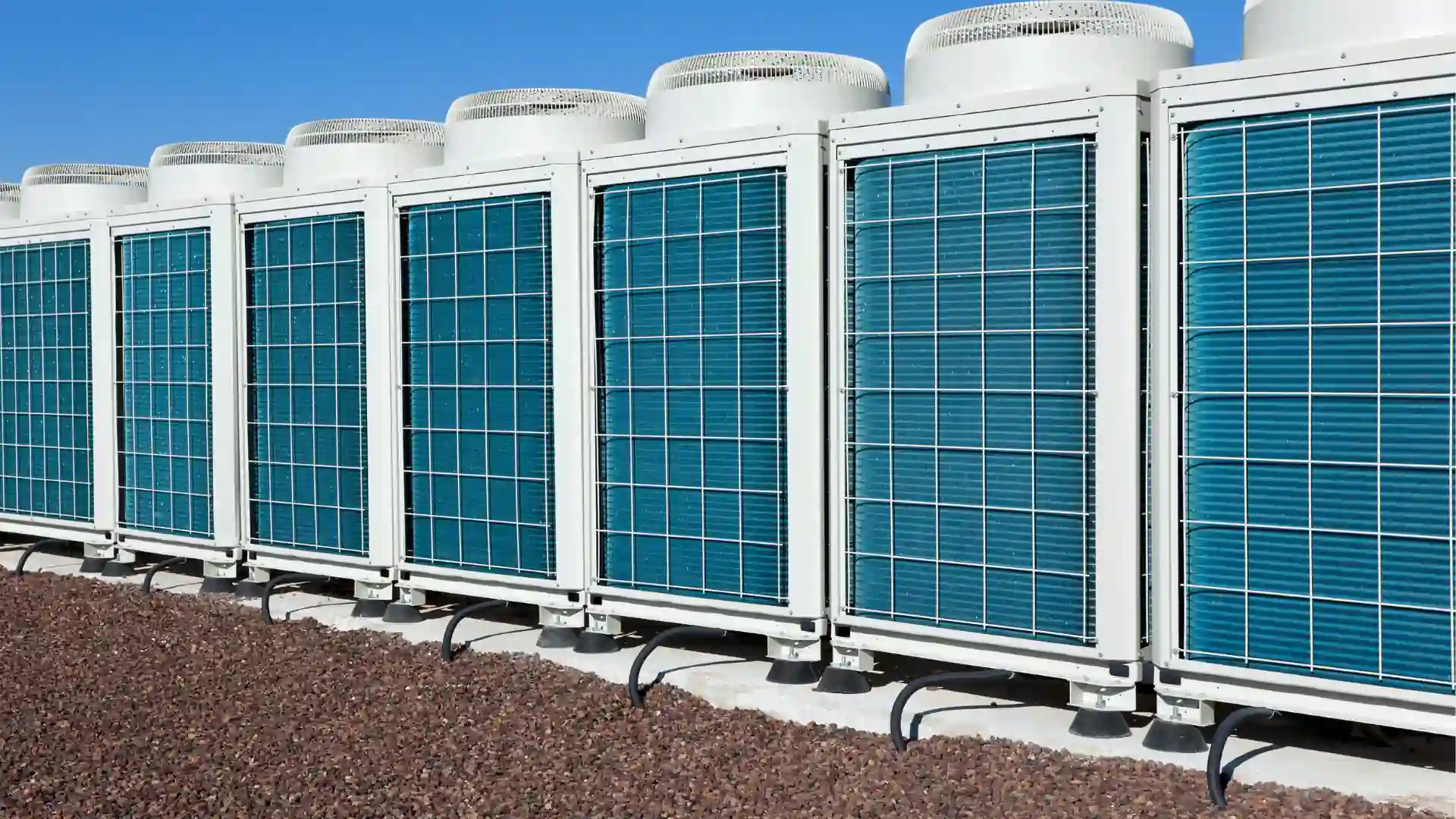





Asset Management Software for Facilities

Managing facility assets across multiple locations gets complicated fast. Equipment ages, maintenance histories scatter across spreadsheets, and the institutional knowledge about which units are about to fail tends to live in one person’s head. When that person leaves, or when your portfolio doubles, the gaps become expensive.
Asset management software for facilities gives your team a single place to track what you own, manage how it gets maintained, and make capital decisions based on actual data. This guide covers what to look for, how leading platforms compare, and how to choose the right solution for your operation.
What Is Asset Management Software for Facilities?
Asset management software for facilities is a platform that centralizes the tracking, maintenance, and lifecycle management of every physical asset across a built environment. Equipment, HVAC systems, fixtures, building infrastructure: anything with a cost, an age, and a maintenance history.
At its core, a facility asset management solution answers three questions your team should always be able to answer: What do you own? What condition is it in? And what is it going to cost you over the next one to three years?
Most facilities operations eventually land in one of two software categories. A CMMS (Computerized Maintenance Management System) focuses on work orders, preventive maintenance schedules, and asset tracking. An EAM (Enterprise Asset Management) platform extends further into the financial side, covering procurement, full lifecycle modeling, and capital planning at the portfolio level. The right asset and facilities management software for your organization depends on where your operation sits on that spectrum and how much complexity you are actually managing.
Key Features in Facilities Asset Management Software
Not all asset management tools for facilities are built for the same operator. But these eight capabilities separate the platforms worth evaluating from the ones that will create new problems while solving old ones.
Asset Tracking and Inventory Management
A complete asset register gives every piece of equipment a digital identity: location, condition, age, warranty status, and service history. When that information lives in a spreadsheet, it ages out the moment someone stops updating it. When it lives in a purpose-built system, it survives staff turnover and tells you what you need to know when you need to know it.
Maintenance Management (Preventive, Predictive, Corrective)
Preventive maintenance schedules routine service before failures occur. Predictive maintenance uses equipment data and usage patterns to get ahead of failures before they arrive. Corrective maintenance handles the breakdowns that happen anyway. A strong facilities asset management system supports all three without requiring a separate tool for each.
Work Order Management
Work orders are where facilities management either holds together or falls apart. Look for software that automates creation, assignment, and tracking, and that surfaces priority issues without requiring manual triage. Faster resolution means less downtime, and less downtime means lower cost across every location in your portfolio.
Space and Occupancy Management
For teams managing multi-tenant buildings, mixed-use campuses, or corporate real estate portfolios, space utilization data supports lease decisions, renovation planning, and right-sizing conversations before they become expensive guesses.
Capital Planning and Budgeting
Asset age and maintenance cost data should feed directly into your capital planning process. The best asset management solutions for facilities let you model repair-versus-replace scenarios using real numbers, so budget requests hold up when finance and leadership push back.
Reporting and Analytics
Real-time dashboards and configurable reports turn maintenance data into decisions. Look for platforms that let you break down spend by asset class, location, trade, or vendor, and that make it possible to walk into a quarterly review with something more defensible than a summary email.
Integration Capabilities (BMS, ERP, IoT)
Modern facilities do not run in isolation. Your asset management tool for facilities should connect with Building Management Systems, ERP platforms, and IoT sensors. Without those integrations, data lives in silos and your team spends its time reconciling systems instead of running operations.
Mobile Accessibility
Facilities managers and field technicians are rarely at a desk. Mobile-first access means work orders get updated in real time, asset histories are available on-site, and first-time fix rates improve because the right information travels with the right person.
Top Asset Management Software for Facilities: A Comparative Review
Choosing the right facilities asset management software depends on the scale and complexity of your operation. Here is a structured comparison of four platforms worth evaluating.
1. Fexa
Best for: Multi-site retail, grocery, QSR, and specialty operators running 100 or more locations.
Fexa is built specifically for multi-location operators who need a platform that configures around the way their operation actually works, without IT involvement and without a 12-month implementation runway. Core capabilities include work order management, asset lifecycle tracking, vendor coordination through FexaLink (with no per-invoice subscription fees), capital planning, and refrigerant compliance through Trakref.
What separates Fexa from general-purpose CMMS tools is how the platform handles complexity at scale. A single facilities manager at Tecovas is running 50+ locations on Fexa. gorjana scaled to 120 locations in six months without proportional headcount increases. A national women’s loungewear retailer cut $4M+ in R&M spend and reduced maintenance costs by 11.4% per store.
FexaAI, Fexa’s embedded AI layer, goes further than flagging problems after the fact. The Work Order Agent actively reduces unnecessary dispatches, reclaims hundreds of hours of staff time monthly, and improves troubleshooting efficiency, all within the guardrails of your existing workflows. This is AI that executes, not AI that suggests and waits.
Strengths: Purpose-built for multi-site FM; highly configurable workflows with no IT dependency; embedded AI that runs inside the workflow; no per-invoice vendor fees; scales without proportional headcount increases.
Considerations: Best suited to operators managing 100 or more locations. Smaller or single-site operations may find the platform more than they need.
Ideal for: Retail, convenience, grocery, fitness, and specialty healthcare operators with growing portfolios.
2. Limble CMMS
Best for: Mid-market teams with general maintenance needs and limited technical overhead.
Limble is a cloud-based CMMS with an intuitive interface and a fast onboarding experience. It handles preventive maintenance scheduling, work orders, and asset tracking well, and its per-user pricing makes it accessible for teams that need a straightforward maintenance solution without a long implementation runway. The platform also includes offline mobile access, which is useful for technicians working in areas with unreliable connectivity.
Strengths: Easy to adopt with minimal training; solid mobile experience including offline mode; strong customer support ratings on G2 and Capterra; quick time-to-value for smaller operations.
Considerations: Per-user pricing can grow quickly as teams scale. Organizations with more complex reporting needs or multi-tiered workflows may find the platform’s configurability has a ceiling. Vendor management depth is lighter than what distributed, outsourced FM operations typically require.
Ideal for: Organizations managing fewer than 100 locations with in-house maintenance teams and straightforward workflow requirements.
3. UpKeep
Best for: Mobile-first maintenance teams at small-to-mid-size facilities with in-house technicians.
UpKeep built its reputation on ease of use, and the work order experience earns it. Requests can be raised, assigned, and pushed to a technician’s phone in under a minute, with photos, priority levels, and parts attached. For smaller teams where speed of dispatch is the primary need, UpKeep delivers.
Strengths: Fast work order creation and mobile updates; strong technician-facing experience; low barrier to entry; quick onboarding.
Considerations: Workflow automation is gated behind the Enterprise tier, which is worth confirming during evaluation if automation is a priority. Costs can escalate at larger team sizes, and third-party integrations carry additional charges. Reporting depth and multi-site portfolio visibility are more limited than on platforms designed around those use cases.
Ideal for: Smaller facilities teams prioritizing mobile-first work order execution with in-house technicians, where portfolio reporting and vendor management are not primary requirements.
4. MaintainX
Best for: Frontline and deskless maintenance teams prioritizing mobile collaboration and fast adoption.
MaintainX launched with a clear premise: most CMMS tools treat communication as an afterthought. The platform bakes messaging directly into the work order, so technicians and managers coordinate, attach photos, and ask questions inside the same ticket rather than juggling email and separate chat tools. It covers work orders, preventive maintenance, asset tracking, parts inventory, and digital procedure templates, with a mobile app that earns consistently high marks for usability. The platform won the Deloitte Technology Fast 500 award in 2025, reflecting strong adoption growth particularly among smaller and mid-market organizations.
Strengths: Excellent mobile experience; work order communication built into the ticket; fast onboarding; high frontline adoption rates; strong ratings on G2 and Software Advice.
Considerations: Teams that grow into complex multi-site operations sometimes report that portfolio-level reporting requires more manual effort than they expected. Vendor coordination and SLA management typically require supplemental processes outside the platform. The AI features are currently oriented toward individual productivity rather than autonomous workflow execution.
Ideal for: Smaller maintenance teams and frontline-heavy operations where technician adoption and in-the-moment communication are the top priorities, and where enterprise-grade vendor management and capital planning are not yet required.
At-a-Glance Comparison
| Platform | Best For | AI Capabilities | Multi-Site FM Fit |
|---|---|---|---|
| Fexa | Retail / QSR / Specialty 100+ locations |
Embedded, agentic | Purpose-built |
| Limble CMMS | Mid-market general maintenance | Limited | Moderate |
| UpKeep | Small teams, mobile-first | Limited (Enterprise only) | Basic |
| MaintainX | Frontline / deskless teams, <200 employees |
Individual productivity | Limited at scale |
Choose the Right Asset Management Software for Your Facility
The platforms that look similar on a features checklist tend to diverge significantly in practice. These six questions cut through the noise.
1. Assess Your Facility’s Specific Needs
Before you look at a single demo, document where your team is actually losing time. Which asset categories are driving the most reactive spend? How many locations are you managing today, and what does that number look like in three years? The answers should drive your must-have list, not the vendor’s feature matrix.
2. Define Your Budget and ROI Expectations
Total cost of ownership includes more than licensing fees. Implementation, training, and integration all factor in. Then model the return: if the platform reduces repeat dispatches, cuts reactive spend per location, or extends equipment lifecycles by a meaningful margin, the math usually closes faster than most teams expect.
3. Evaluate Scalability and Future Growth
A platform that works well at 10 locations may buckle at 100. Ask vendors directly how the platform performs as location count doubles, and what the pricing structure looks like at the scale you are planning toward, not just where you are today.
4. Prioritize User Experience and Training
The best facility asset management software is the one your team will actually use. Evaluate both the desktop and mobile experience. Ask how long it typically takes a new facilities manager to become fully productive after onboarding.
5. Request Demos and Trial Periods
Never commit based on a slide deck. Request a personalized demo built around your specific workflows and locations. Where possible, push for a limited pilot before signing a full contract. How a vendor behaves during the sales process tells you a lot about how they will behave during implementation.
6. Consider Vendor Support and Long-Term Fit
Implementation is the beginning of the relationship, not the end. Evaluate the vendor’s support model, their customer success track record, and how responsive their product roadmap is to operator feedback. A strong vendor relationship compounds in value over the life of the contract. A weak one compounds in a different direction.
Implementing Your Facility Asset Management Software
A well-chosen platform poorly implemented still fails. Four practices separate rollouts that stick from expensive shelf-ware.
Data Migration: Audit your existing asset data before migration. Clean, structured data going in means reliable reporting coming out. For large multi-site portfolios, a phased data migration by region or location type reduces risk considerably.
Staff Training and Adoption: Structure onboarding around how your team actually works, not just how the platform works. Identify power users at key locations who can support their peers after the initial training period ends.
Phased Rollout: For multi-site operators, a regional rollout lets you learn and adjust before committing the full portfolio. A simultaneous launch across every location carries higher risk and leaves less room to correct course.
Measuring Success: Define your metrics before go-live. First-time fix rates, time-to-close on work orders, PM completion rates, and spend per location are all concrete signals. Review them quarterly. If the numbers are not moving, the configuration probably needs to.
Conclusion: Optimizing Your Facility’s Future
The spreadsheet holding your asset history together is one key person departure away from being unreliable. The vendor you have been calling for 20 years is one retirement away from being unavailable. The budget conversation you keep putting off gets harder every quarter you wait.
Asset and facilities management software does not eliminate those problems. But the right platform gives your team the data infrastructure to see them coming, act before they become expensive, and scale operations without building in proportional fragility.
Ready to see how Fexa works for multi-site facility operations? Request a demo and see what a purpose-built facilities platform can do for your portfolio.For a deeper look at Fexa’s asset management capabilities, visit fexa.io/asset-management or read our complete asset management and tracking guide. You can also explore what asset management software is, its key features, and how to calculate ROI in our blog.
Related articles
Stay ahead of the curve with our insightful articles, expert opinions, and innovative trends.

Guide
The Complete Asset Management and Tracking Guide for Facilities Management Teams
Efficient asset management is essential for smooth facilities operations. Learn how a...